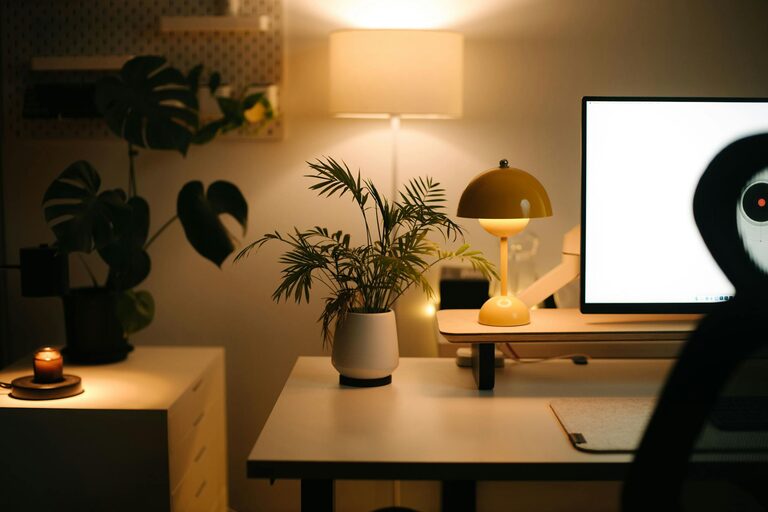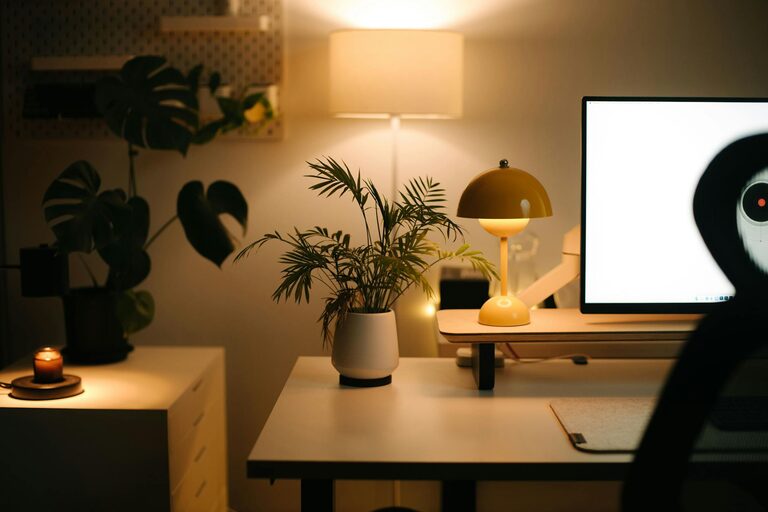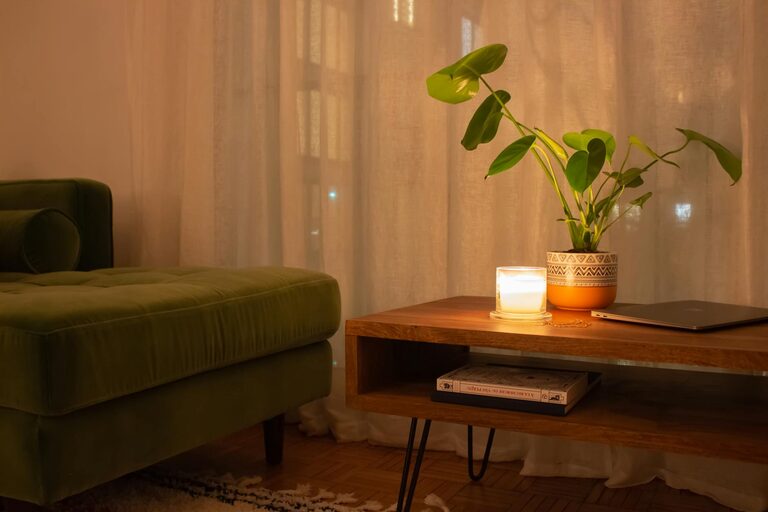
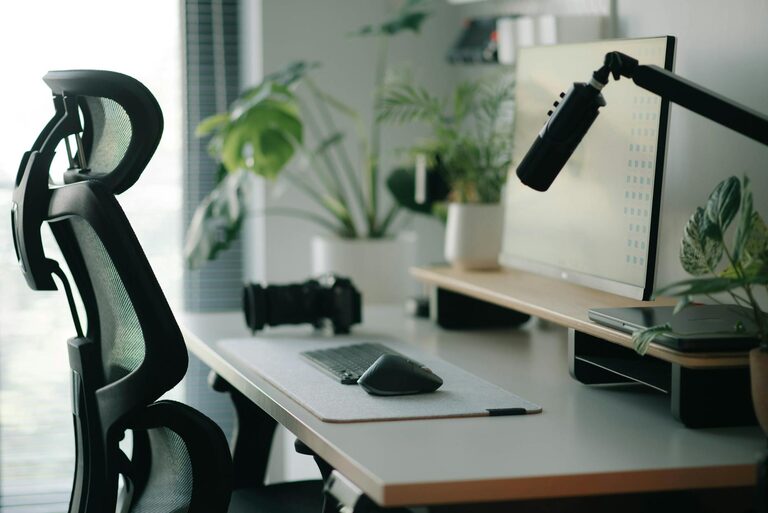
Creating a productive home office environment is essential for anyone working or studying remotely. A well-designed workspace can enhance focus, reduce stress, and improve overall work performance. Whether you have a dedicated room or just a corner in your home, implementing a few thoughtful changes can make a significant difference. In this post, we’ll share practical tips to help you set up a home office that works for you.
1. Choose the Right Location
Find a Quiet Space
Select an area in your home with minimal distractions. If possible, pick a room or corner where noise from household activities is limited.
Consider Natural Light
A spot near a window allows natural light to brighten your workspace, which can boost mood and energy. However, avoid placing your screen directly opposite the window to prevent glare.
2. Invest in Ergonomic Furniture
Comfortable Chair
A supportive chair with adjustable height and lumbar support helps maintain good posture and reduces the risk of back pain.
Functional Desk
Choose a desk that fits your space and provides enough surface area for your computer, documents, and other essentials.
Standing Options
If possible, consider a sit-stand desk or a desk converter to alternate between sitting and standing throughout the day.
3. Organize Your Workspace
Declutter Regularly
Keep only necessary items on your desk to minimize distractions and maintain a clean look.
Storage Solutions
Use shelves, drawers, or organizers to store paperwork, office supplies, and personal items neatly.
Cable Management
Tidy up wires with clips or cable sleeves to prevent tangling and maintain an organized appearance.
4. Optimize Lighting
Balanced Lighting
Combine natural light with layered artificial lighting to reduce eye strain. A desk lamp with adjustable brightness is a good addition.
Avoid Glare
Position monitors to avoid reflections from windows or lighting fixtures, which can cause discomfort during extended screen use.
5. Control Noise Levels
Use Noise-Cancelling Headphones
If noise is unavoidable, headphones can help focus and block distractions.
Add Soft Furnishings
Rugs, curtains, and cushions absorb sound and reduce echo, creating a quieter environment.
6. Personalize Your Space
Add Inspirational Elements
Decorate with plants, artwork, or photos that motivate you and brighten the atmosphere.
Keep It Professional
While personal touches are great, ensure your workspace remains suitable for virtual meetings and professional communication.
7. Set Up Technology Efficiently
Reliable Internet Connection
Ensure your Wi-Fi is strong and stable to avoid interruptions during calls or online tasks.
Essential Equipment
Use a good-quality webcam, microphone, and headphones to improve communication.
Backup Power
A surge protector or uninterruptible power supply (UPS) can protect your devices and prevent data loss during outages.
8. Establish Boundaries and Routine
Work Hours
Set specific start and end times to separate work from personal time, helping maintain work-life balance.
Communicate with Others
Inform family members or housemates of your work schedule to minimize interruptions.
Take Breaks
Regular breaks refresh your mind and body, boosting focus and creativity.
9. Incorporate Healthy Habits
Stay Hydrated and Nourished
Keep water and healthy snacks nearby to maintain energy levels throughout the day.
Stretch and Move
Incorporate short stretching or walking breaks to reduce stiffness and improve circulation.
Conclusion
Creating a productive home office environment is about balancing comfort, functionality, and personal preferences. Small adjustments in lighting, furniture, organization, and routine can make a big impact on your efficiency and well-being. Take time to design your workspace thoughtfully, and you’ll likely notice improved focus, motivation, and satisfaction in your daily work.
About the Author