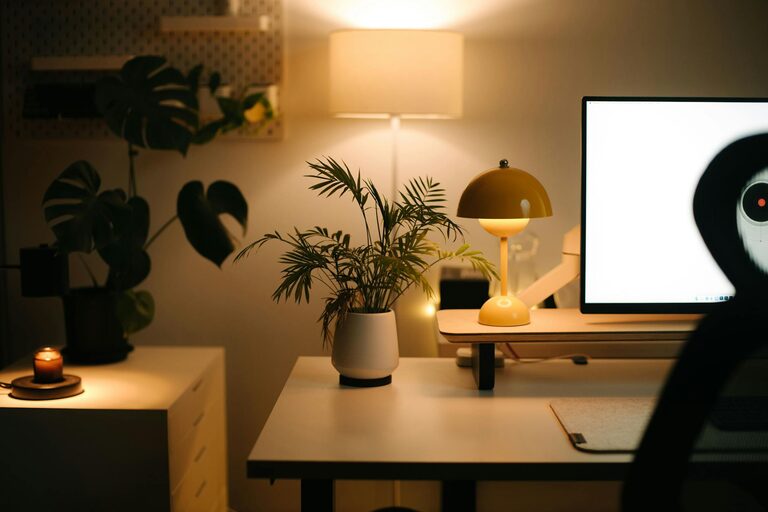
Creating a cozy and functional home office is essential for anyone working remotely or managing tasks from home. A well-designed workspace not only boosts productivity but also encourages focus and comfort. Whether you have a dedicated room or a small corner, these tips will help you set up an inviting and efficient home office.
Choose the Right Location
Selecting the best spot for your home office is the foundation of a comfortable workspace.
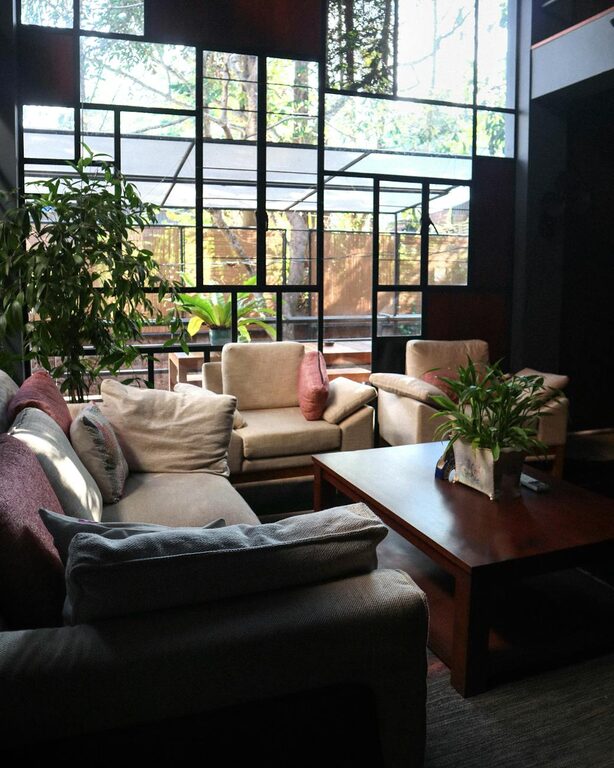
– Natural Light: Position your desk near a window if possible. Natural light improves mood and reduces eye strain.
– Quiet Area: Find a peaceful corner away from household noise, such as the kitchen or living room hustle.
– Space Availability: Ensure there’s enough room for your desk, chair, and storage without making the space feel cramped.
Invest in Comfortable and Supportive Furniture
Comfort is key when you spend hours working at home.
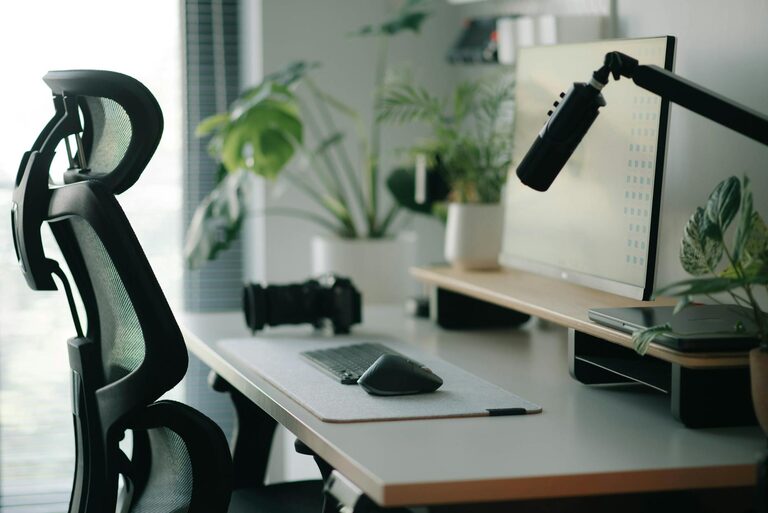
– Ergonomic Chair: Choose a chair that supports your back, encourages good posture, and is adjustable to your height.
– Functional Desk: Your desk should be large enough to hold your computer, paperwork, and any tools you frequently use but not so big that it wastes space.
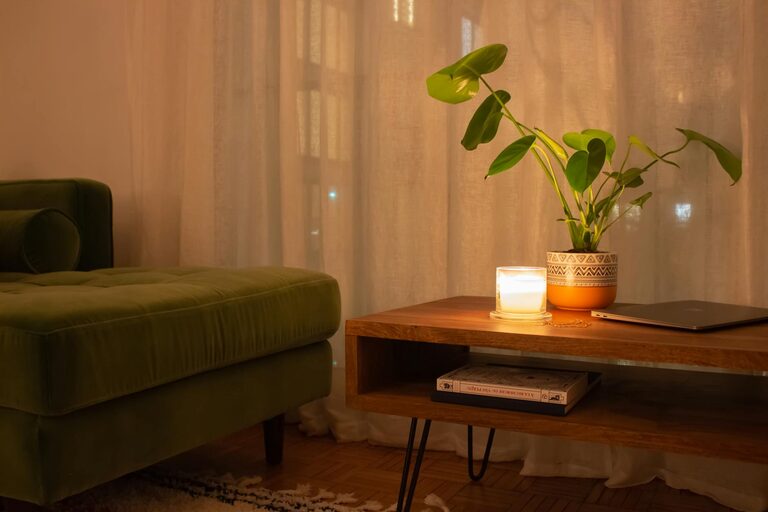
– Additional Seating: If space allows, include a small chair or ottoman for reading or taking breaks.
Optimize Lighting
Proper lighting prevents eye fatigue and sets the tone for your workspace.
– Layered Lighting: Use a combination of natural light, overhead fixtures, and task lighting.
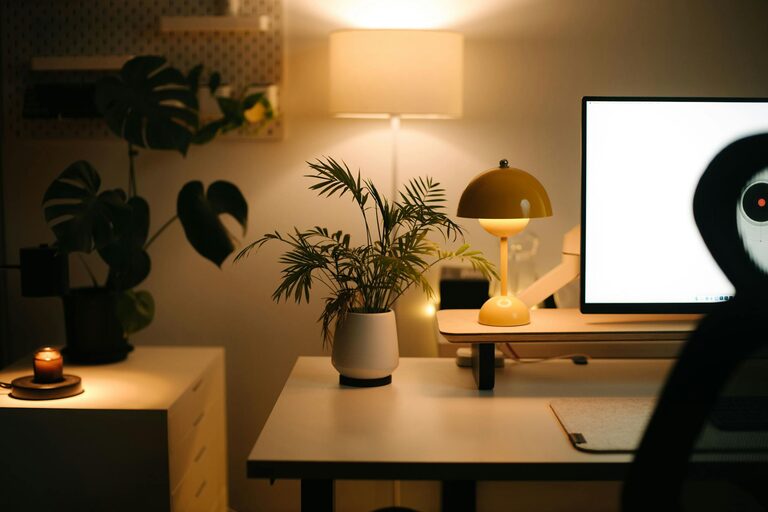
– Desk Lamp: A focused desk lamp with adjustable brightness can help during late hours.
– Warm Light: Opt for warm-toned bulbs to create a cozy atmosphere rather than harsh, bright white lighting.
Organize Your Space Efficiently
Clutter can be distracting. Keeping your office tidy improves focus.
– Storage Solutions: Use shelves, filing cabinets, or baskets to keep documents and office supplies organized.
– Cable Management: Use clips or sleeves to hide and manage wires, keeping your desk clean and safe.
– Minimal Decor: Limit decorations to a few meaningful pieces to avoid overstimulation.
Personalize Your Workspace
Adding personal touches makes the office inviting without being distracting.
– Plants: Small indoor plants can improve air quality and add a touch of nature.
– Artwork: Hang a few pieces that inspire or calm you.
– Textiles: Use rugs or cushions to add texture and warmth to the room.
Incorporate Functional Technology
Technology should serve your work without adding stress.
– Reliable Internet: Ensure your internet connection is strong and stable.
– Quality Equipment: Invest in a good monitor, keyboard, mouse, and headset to enhance your work experience.
– Smart Organization: Use digital tools for scheduling and task management to keep your workflow smooth.
Create Boundaries
Maintaining a healthy work-life balance is important when working from home.
– Dedicated Work Hours: Set specific hours for work to avoid burnout.
– Physical Boundaries: Use room dividers, curtains, or even just a specific desk area to separate work from personal life.
– End-of-Day Ritual: Pack up your work materials and switch off your devices to signal the end of the workday.
Keep Comfort Essentials Close
Small comforts can make a big difference during work hours.
– Water and Snacks: Keep a water bottle and healthy snacks nearby.
– Temperature Control: Use fans, heaters, or windows to maintain a comfortable temperature.
– Break Area: If space allows, create a small area for stretching or short breaks to recharge.
Regularly Refresh Your Setup
Eyes and bodies benefit from change.
– Rearrange Occasionally: Moving furniture or changing décor can keep the space feeling fresh.
– Declutter Often: Regularly clear out unnecessary items.
– Update Technology: Keep your tools current to avoid frustration and inefficiency.
—
Designing a cozy and functional home office takes some thought and effort, but it’s well worth it. The right environment can improve your focus, reduce stress, and make working from home more enjoyable. With these tips, you can create a personalized workspace that supports both your comfort and productivity.
About the Author